See the OpenGeo Suite
See videos and screenshots of the OpenGeo Suite in action or try our online demos to edit data, style layers, and compose maps.
Videos
Watch these short videos to learn what the OpenGeo Suite can do for you. Keep checking back, as we'll be adding more videos soon!
Publish a Map
The OpenGeo Suite allows you to easily create and embed a dynamic map in any web page. Use your data, or pull data from a variety of sources. Create mashups with Google, or make your own custom map.
The Dashboard
Manage all components of the OpenGeo Suite, from PostGIS to GeoServer to GeoExplorer, from one convenient interface.Screenshots
Here you'll find screenshots of the OpenGeo Suite in action.
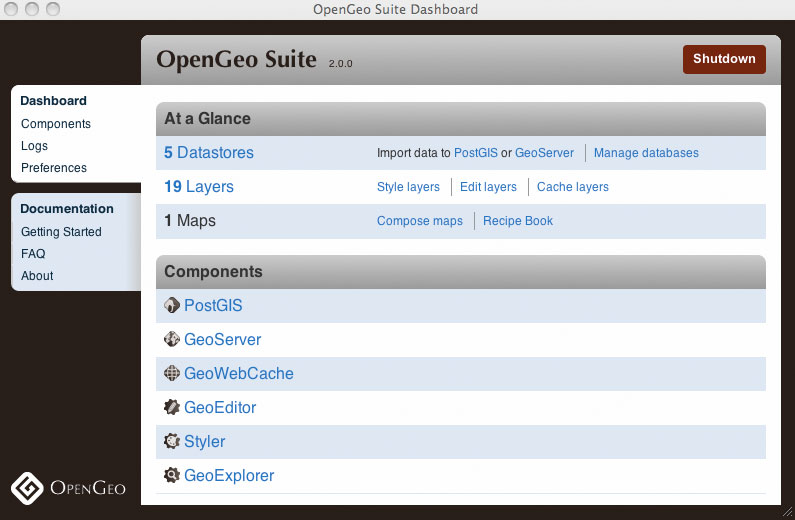 Manage the components of the OpenGeo Suite with the Dashboard.
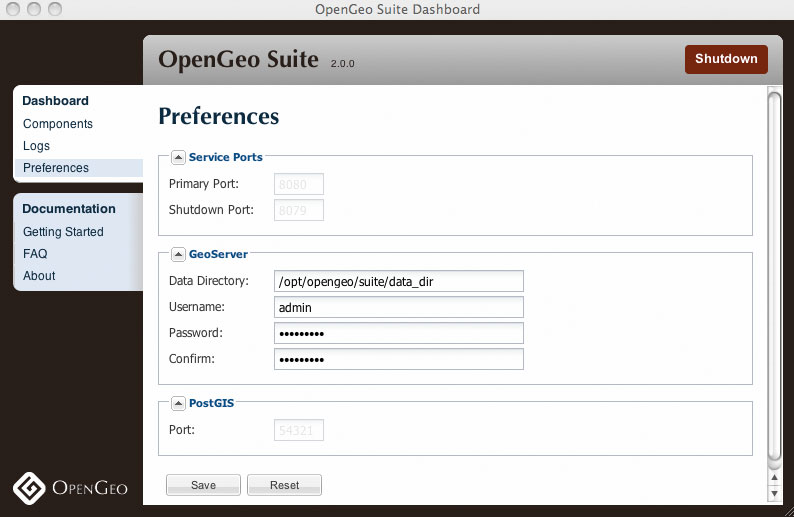 Customize file system data and passwords from one convenient interface.
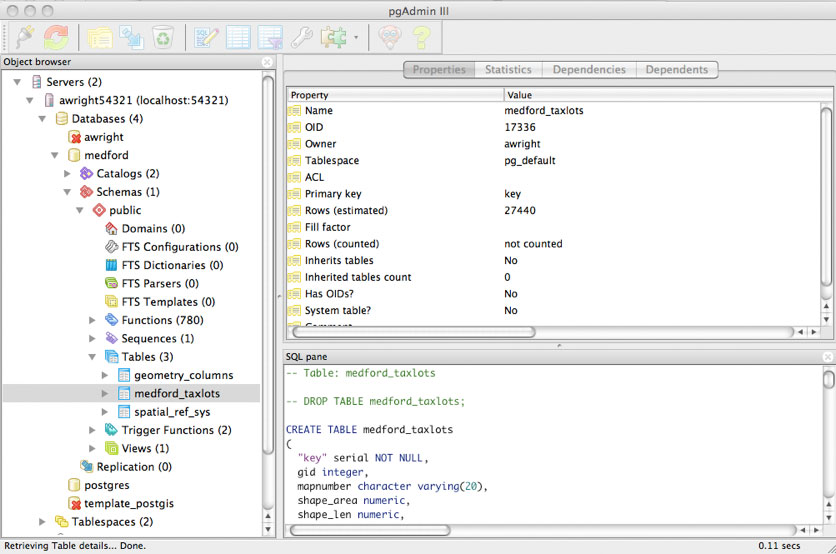 Use PostGIS, a geospatial database built on top of PostgreSQL, to manage your data.
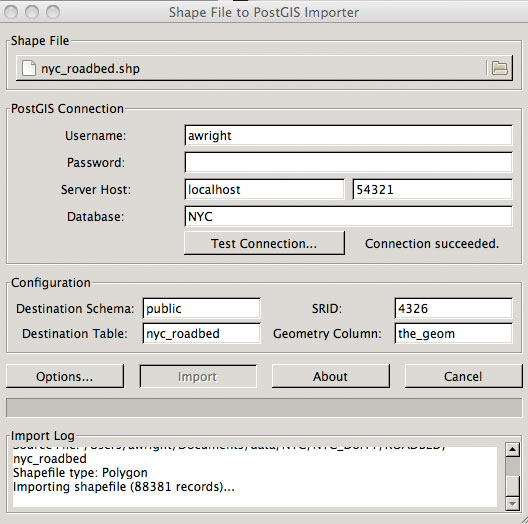 Import shapefiles directly into your PostGIS database with pgShapeloader.
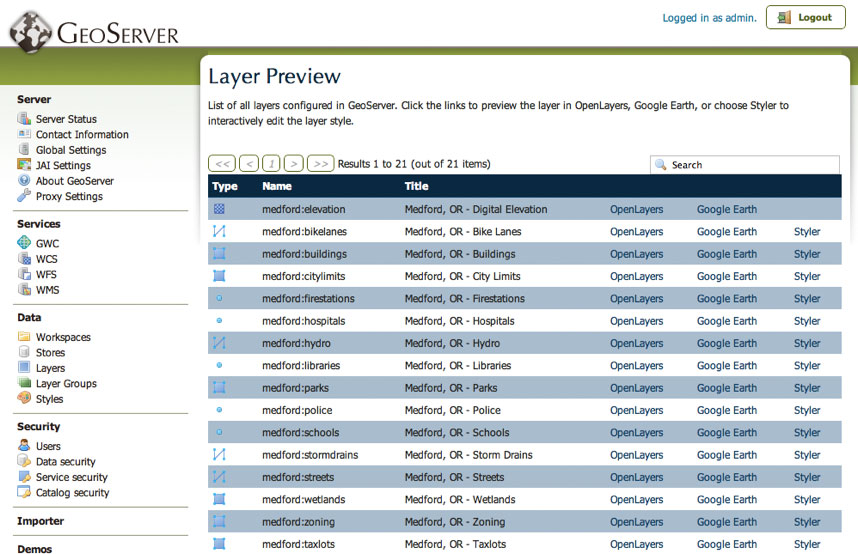 Serve your data with GeoServer, and output in many popular formats such as OpenLayers and Google Earth.
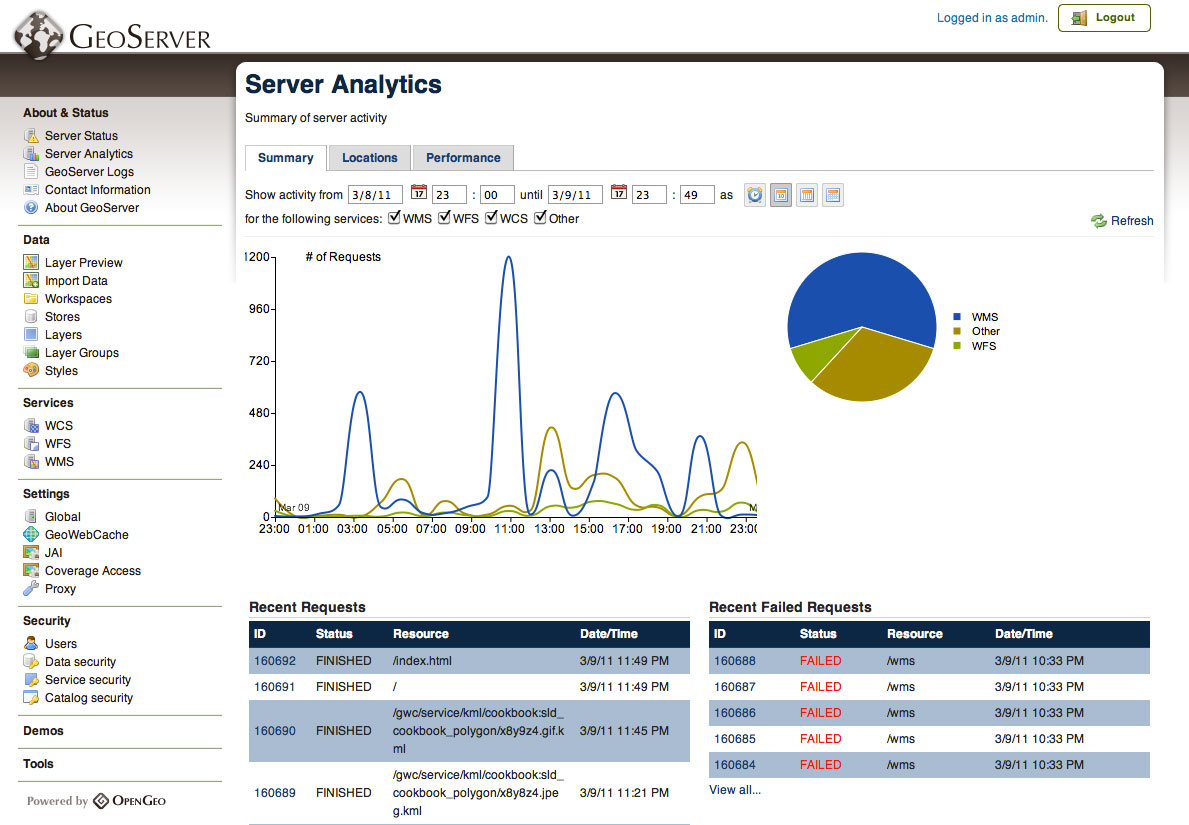 Use embedded tools such as Suite Analytics to view and manage server load.
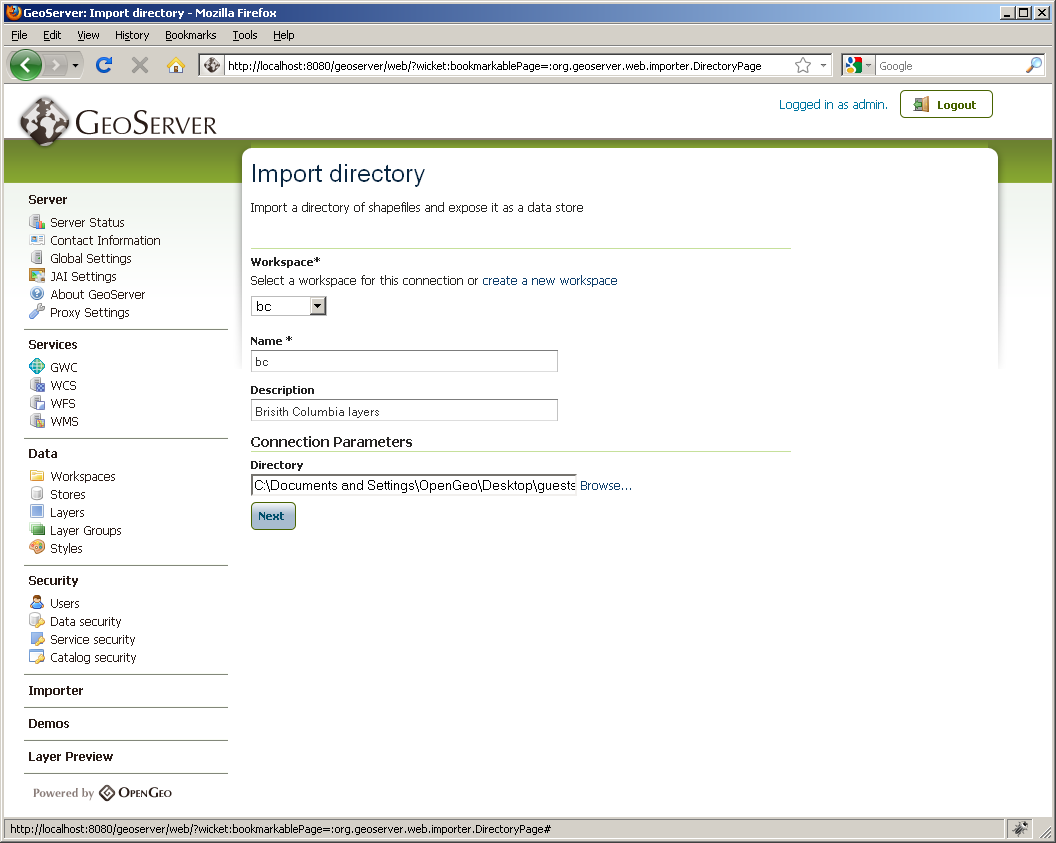 Easily import shapefiles and data tables from PostGIS, ArcSDE, and Oracle.
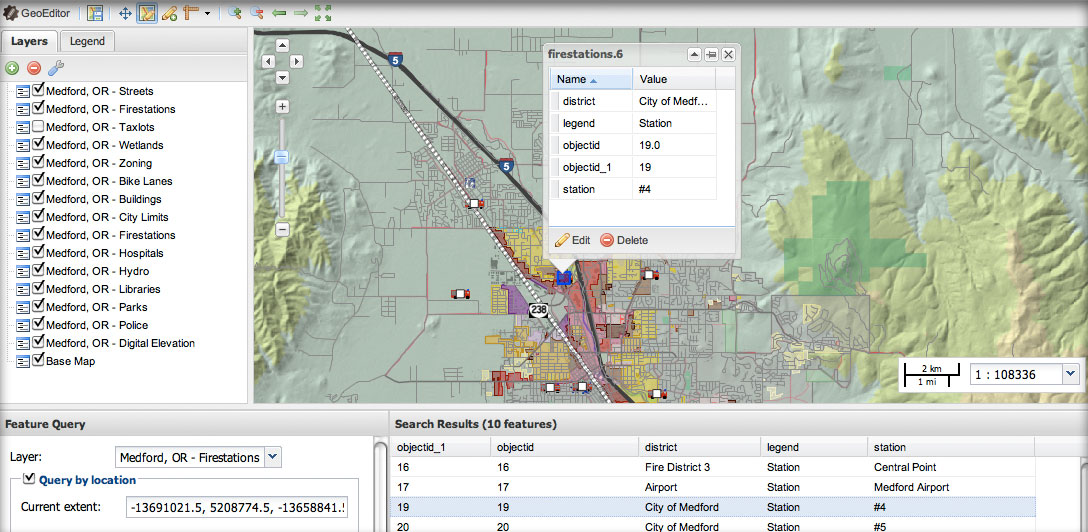 Add, modify and delete geographic features with GeoEditor, a web-based JavaScript application.
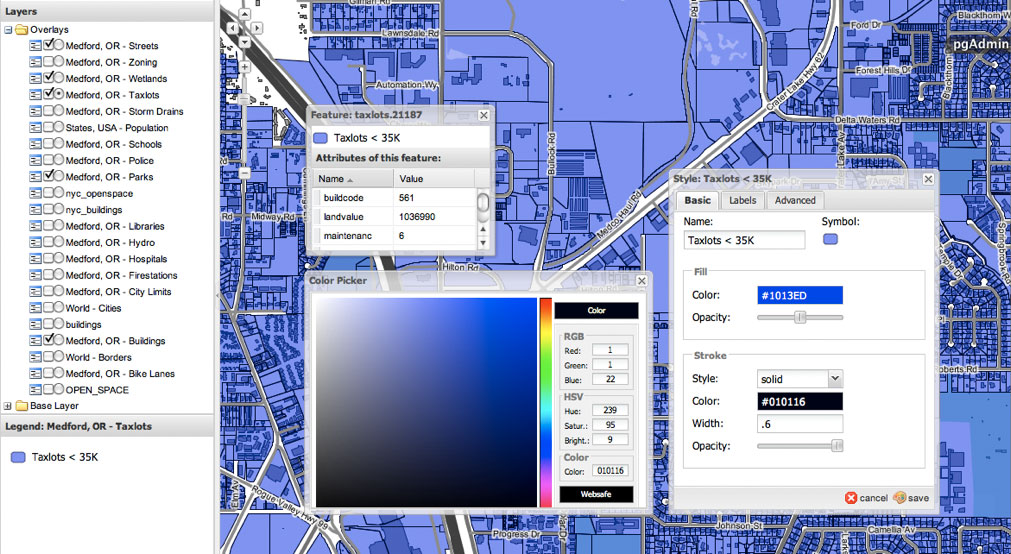 Style your maps with Styler, a graphical style editor. Try Styler online.
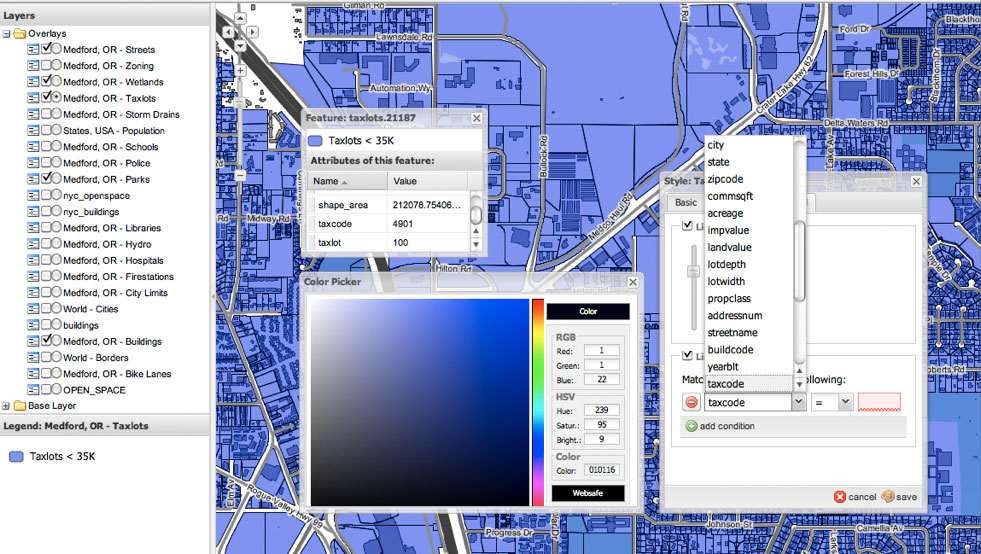 Styler allows for deep visual customization, including scale- and attribute-based styling.
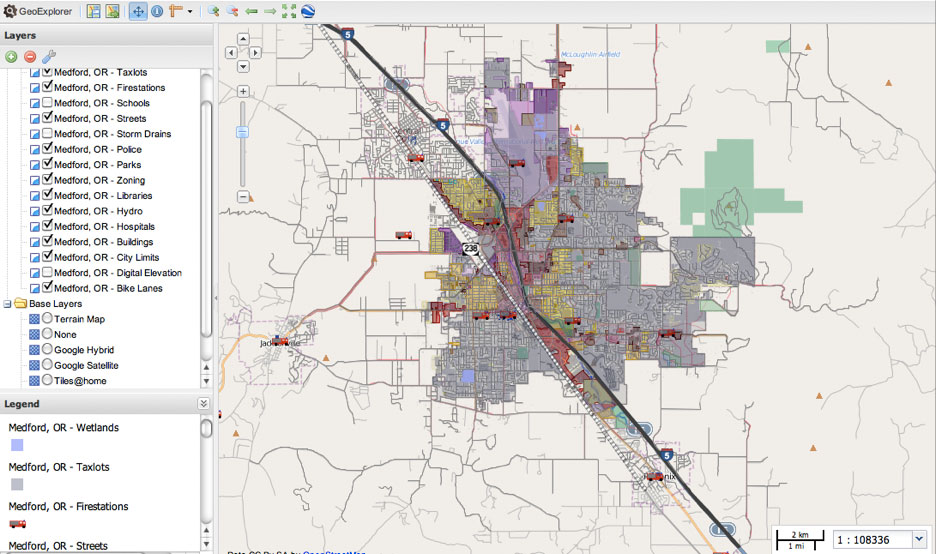 GeoExplorer can replace standard desktop-based GIS tools. Try GeoExplorer online.
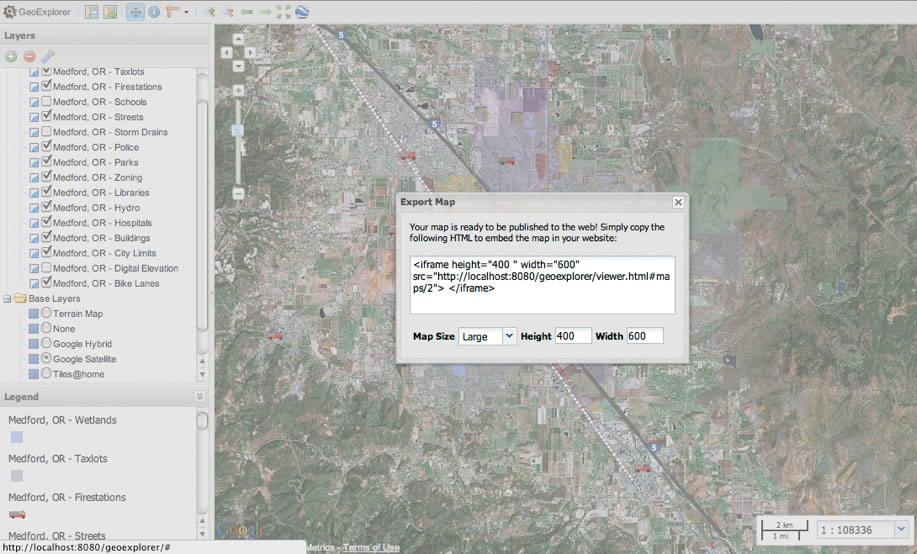 Compose and publish your maps with GeoExplorer.
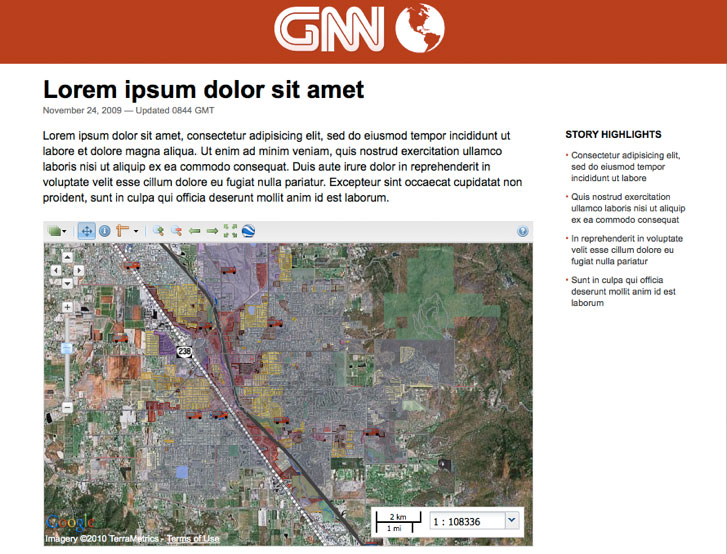 Embed composed maps in your website.and applications.
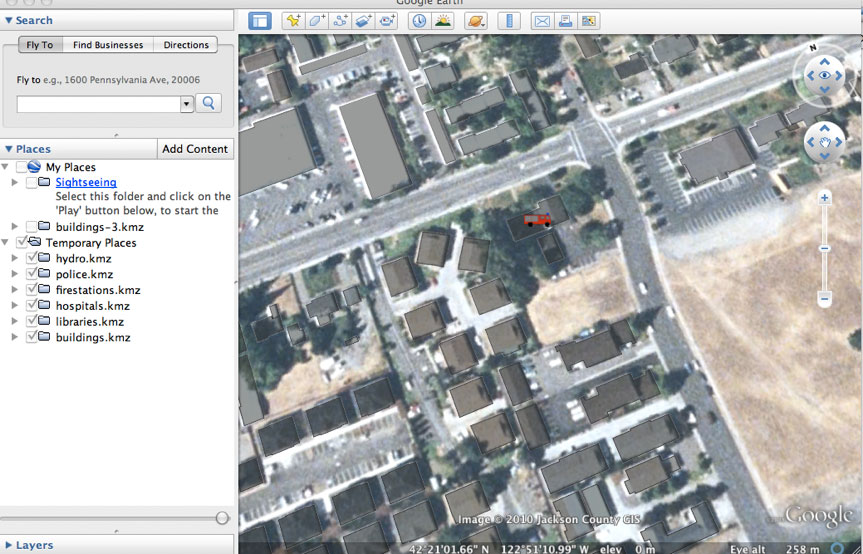 View your layers in 3D with Google Earth.
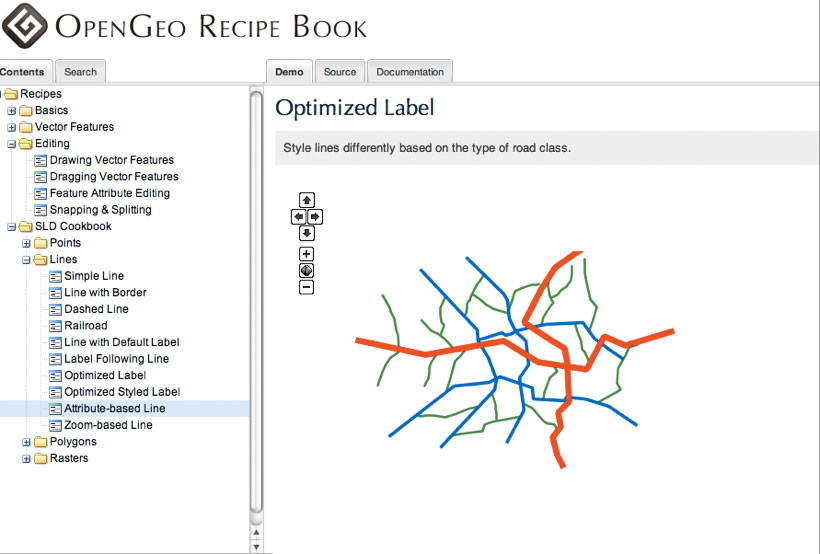 Learn how to develop your own applications built on the OpenGeo Suite using the included Recipe Book.
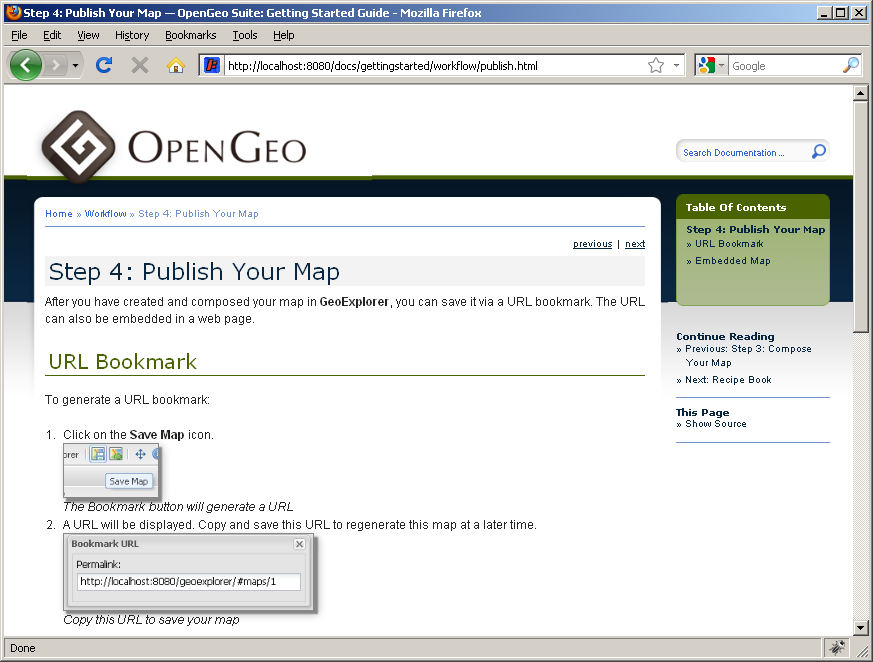 Comes packaged with complete, web-based documentation.
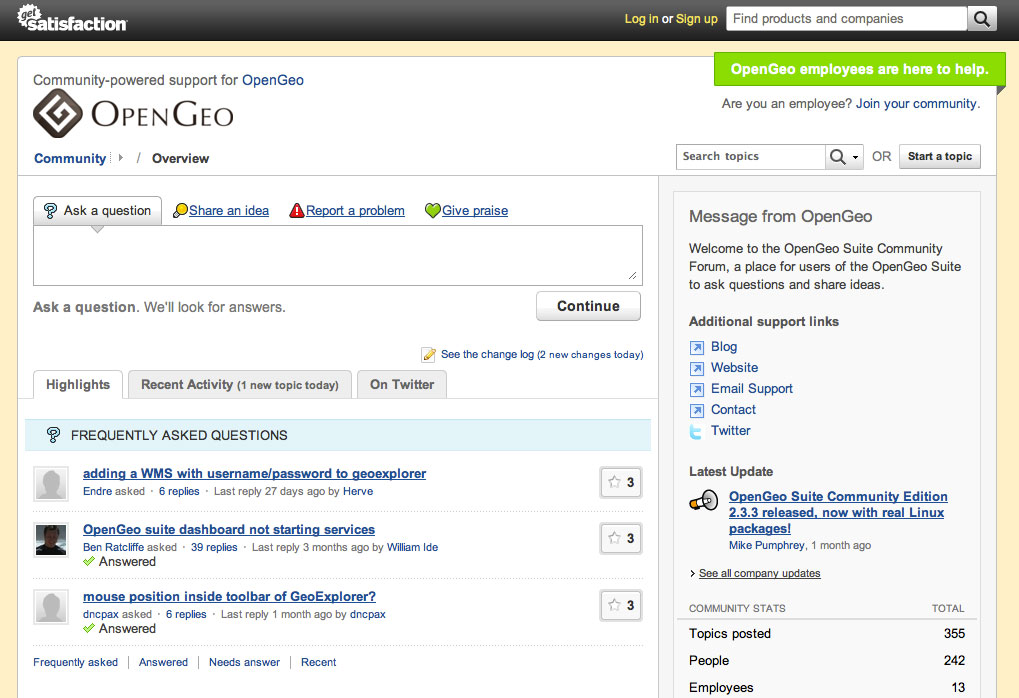 Get help when you need it on the OpenGeo forum.
Pricing and versions
For pricing and version information, please see the pricing page.
Screenshots and videos
See screenshots and videos of the OpenGeo Suite in action.
Plays well with others
Our stack is not designed to lock you in, but to complement and improve your existing implementations. By developing each individual component of the OpenGeo Suite individually we ensure that each is used in a number of different configurations. This guarantees that the Suite works well with most existing systems—proprietary or open source. Learn more about how the OpenGeo Suite integrates with various options: